TL;DR: To connect Gemini CLI to an MCP server for auto-posting, add it with
gemini mcp add --transport httpor put the address underhttpUrlinsettings.json. In Gemini CLI,urlmeans an SSE endpoint, so pasting a config from Cursor or Claude Desktop often shows “Disconnected”. Also add-s user, because the default scope is the current project.
I had just finished refactoring a small CLI with Gemini CLI on a Sunday and asked it to turn the diff into a 600-word write-up for Dev.to. It did. Then I opened a browser, logged in, and pasted it in by hand. The code had been handed to an AI, but the “get it out the door” step was still manual.
Gemini CLI has no publish button of its own. To reach social platforms it needs an MCP server, and the setup has three details that differ from other clients. The first one is what most people trip on.
Why url and httpUrl are not the same field
Most clients take a remote MCP server as a single url. Gemini CLI splits transports into separate fields. From the Gemini CLI MCP docs: command starts a local stdio process, url is an SSE endpoint, and httpUrl is an HTTP streaming endpoint (Streamable HTTP).
If your server speaks Streamable HTTP and you write it under url, Gemini CLI tries SSE against it. The visible symptom is a “Disconnected” line in gemini mcp list, not a loud error. The Zuplo compatibility notes and third-party validators describe the same trap: configs copied from tutorials for other clients use url for Streamable HTTP, and the fix is renaming the key.
A correct field doesn’t guarantee a connection. An n8n community thread shows a server detected as streamable-http that still failed on auth. So the first debugging question is the field name, the second is the token or OAuth config.
What the AI actually gets
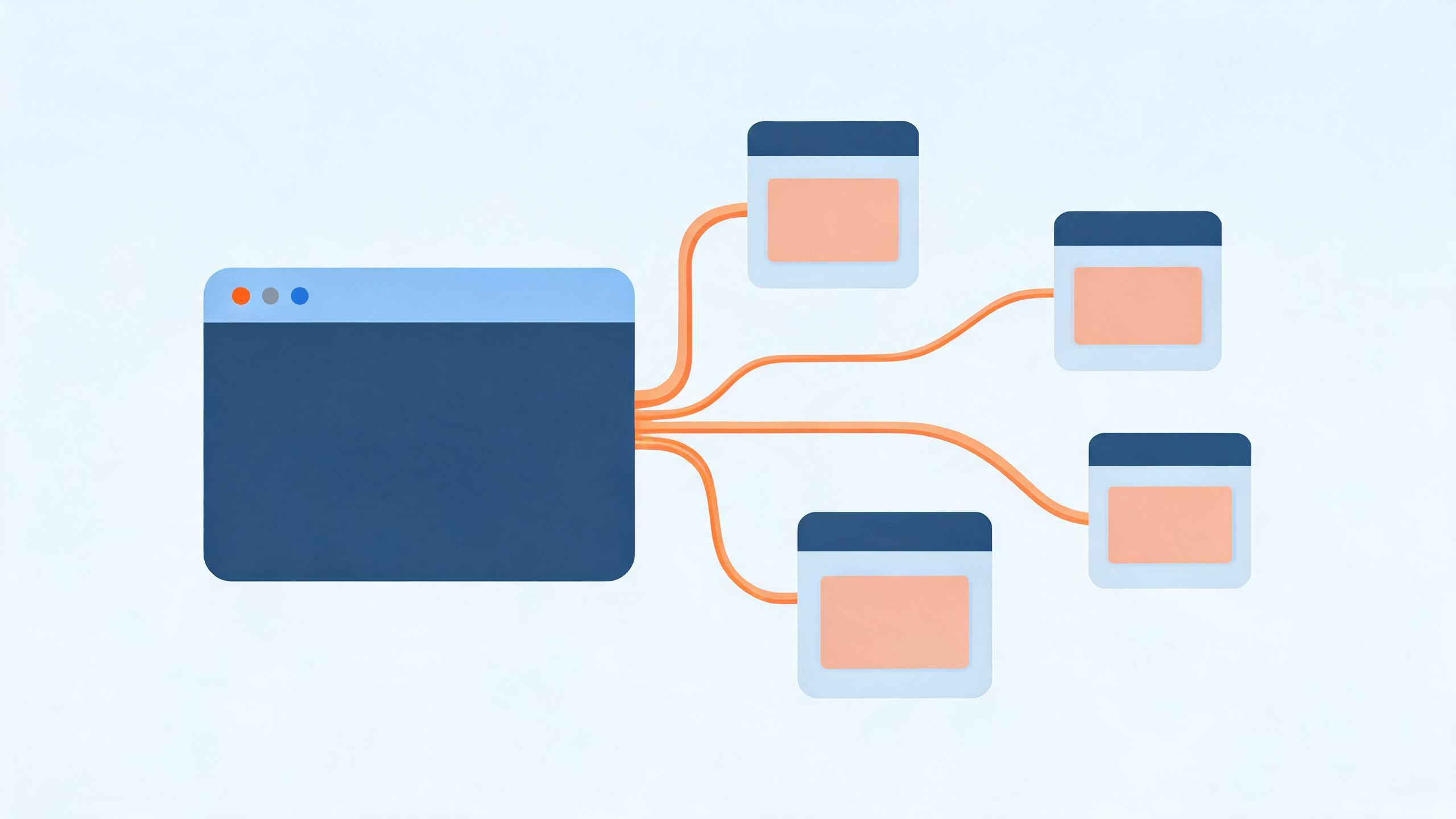
PublishPort gives the model two generic tools instead of one plugin per platform. list_capabilities() reports which platforms are logged in on your machine. local_bash(cmd) runs a command on that machine, through the relay, using your own browser sessions. Gemini reads each command’s --help to learn the arguments, so there is no per-platform adapter for you to maintain.
Setup on your side: install the PublishPort desktop client, log in to the accounts you want to post from, and copy the connection address from the AI integration page. Treat that address as a credential. It can run commands on your computer.
The setup, two ways
Command line (add -s user, explained below):
gemini mcp add -s user --transport http publishport "<your connection address>"
gemini mcp list
Connected in gemini mcp list means it works. Inside a Gemini CLI session, /mcp lists the tools the server exposes.
Editing the config (user-level file is ~/.gemini/settings.json):
{
  "mcpServers": {
    "publishport": {
      "httpUrl": "<your connection address>",
      "timeout": 120000
    }
  }
}
The default timeout is 600,000 ms, ten minutes. Posting rarely needs that long, so I shorten it to learn sooner when something hangs. That’s my preference, not an official recommendation.
The default scope can put your endpoint in git
Per the docs, gemini mcp add defaults --scope to project, which writes .gemini/settings.json in the current directory. If that directory is a git repo, a careless git add . commits the connection address, and a public repo then exposes a key to your machine. Use -s user, or add .gemini/settings.json to .gitignore. If it was already committed, regenerate the address in the client so the old one stops working.
Example: one write-up, two platforms
With the server connected, tell Gemini: “Post this write-up to Dev.to and Hashnode.” It calls list_capabilities() to check both are online, reads each publish command’s --help, and runs them with local_bash. Platform quirks differ, and we cover them in automating Dev.to posts and publishing to Hashnode. You get a receipt per platform in the terminal.
Keep the leash short: trust and includeTools
Each server entry accepts trust. Per the docs, true bypasses all tool call confirmations for that server, default false. Posting has side effects and is hard to retract, so I leave it false and read what is about to go out.
For tighter control, includeTools is an allowlist and excludeTools a blocklist (excludeTools wins if both name a tool). To let Gemini inspect capabilities only:
"publishport": {
  "httpUrl": "<your connection address>",
  "includeTools": ["list_capabilities"]
}
Use the tool names /mcp actually shows, not my guess, and widen the list once a dry run looks right.
Limits
- The desktop client must be running and logged in when Gemini posts.
- Real sessions on your own machine are not immunity from platform limits. Posting the same text to many places in a burst can still get throttled.
- You are responsible for content quality and each platform’s rules. If you have never let an agent post, rehearse with a throwaway post first.
For the bigger picture of how the server side works, see how an MCP server for content publishing works.
Checklist
httpUrlor--transport http, noturlgemini mcp listshows Connected- Config in
~/.gemini/settings.json, or the project file is gitignored trustleft atfalse- Connection address stored like a password, regenerated if exposed
FAQ
Why does gemini mcp list say Disconnected?
Check the field first: url is SSE in Gemini CLI, and Streamable HTTP needs httpUrl or --transport http. Then confirm the desktop client is running, the address was copied completely and hasn’t been regenerated, and any auth is configured.
Should I use url or httpUrl?
Match the server’s protocol. SSE endpoint, url. Streamable HTTP endpoint, httpUrl. PublishPort’s address is Streamable HTTP.
Project or user config, which wins?
Project config lives in .gemini/settings.json in the current directory, user config in ~/.gemini/settings.json. I haven’t verified every merge rule for a server defined in both, so configure it in one place.
Can Gemini post without asking each time?
Setting trust: true does that, but I wouldn’t. A published post is costly to undo, and one confirmation is cheap.
Is this the same address Cursor or Claude Code uses?
Yes, same address, different field. Only the key name and the entry point change per client.
Field names can change between releases, so the Gemini CLI docs and PublishPort docs are the source of truth.