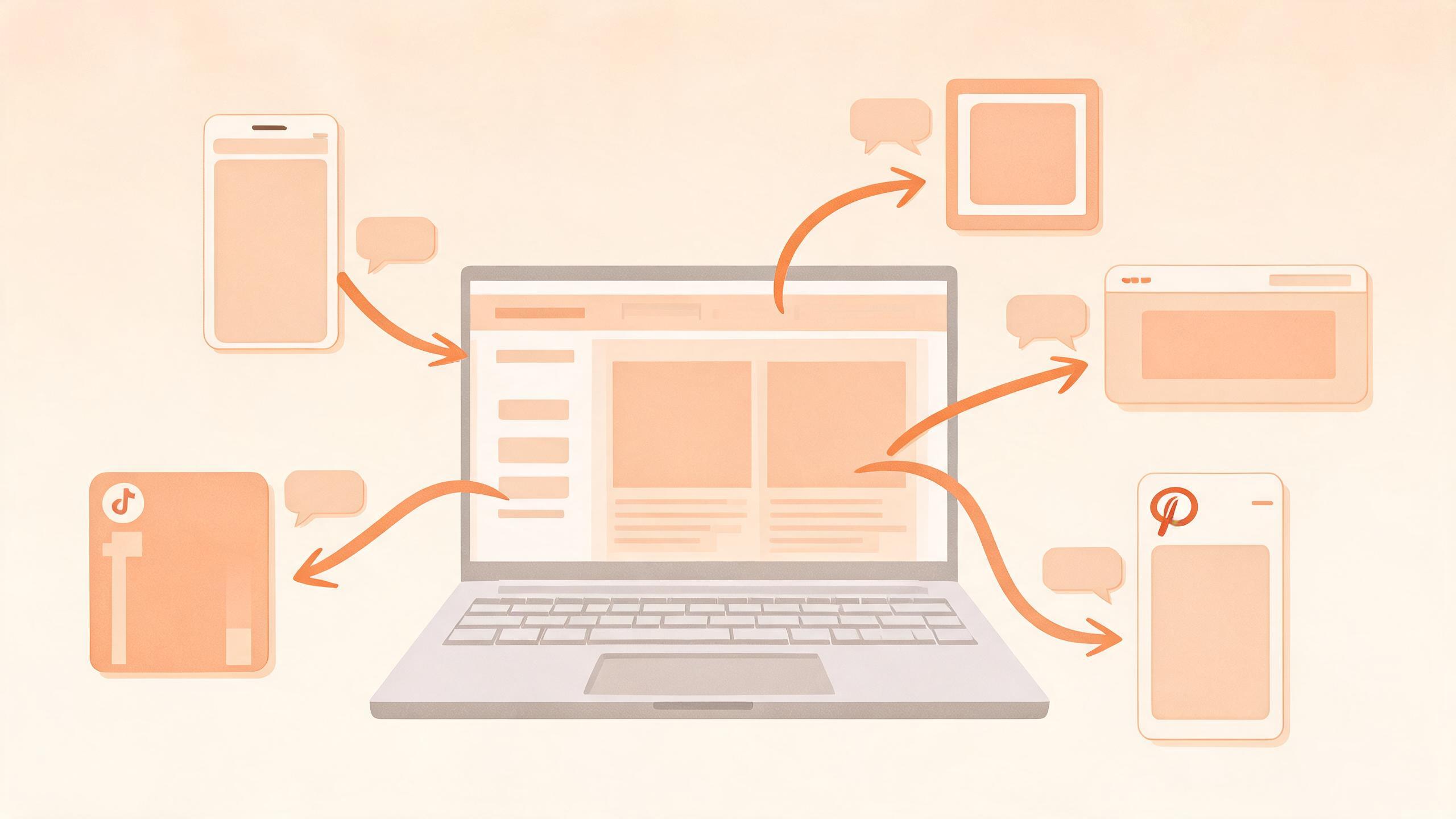
TL;DR: To promote a newsletter issue on social media, don’t post the subject line and a link. Pull 3-5 standalone ideas out of the issue, write each as a post that works without a click, and stagger them over the following week, with the link in a reply or at the bottom. An AI agent can draft and queue them from the issue text, but you pick which ideas are worth posting.
Thursday’s issue went out at 8am to 1,400 subscribers. At 8:10 you posted “New issue: why most onboarding emails fail” with the link on LinkedIn and X, then closed the laptop. Nine likes, three of them from your co-founder, and the signup page got four visits all day.
The issue itself took six hours. The promotion took ninety seconds, and it shows. This guide is for solo newsletter writers who ship weekly or fortnightly and promote on their own. It covers what to cut from an issue, how links behave on each network right now, and what to hand off to an AI agent.
Why the subject line plus a link gets ignored
A subject line is written for an inbox, where the reader already knows you. In a feed, nobody knows you yet, and “New issue: why most onboarding emails fail” gives a stranger a topic but no reason. The reason is usually a paragraph deep in the issue, the one you’d tell a friend over coffee.
So the job isn’t “announce the issue.” It’s “post the best idea from the issue, and let the issue be where the rest lives.” Substack’s own growth and collaboration guide for Notes leans the same way: short, standalone posts in the feed that point back to your publication, rather than bare announcements.
How to turn one issue into five posts
- Pick the one-sentence thesis. What would you say if someone asked “what was this issue about?” at a party. That’s post one.
- Find the surprising number or example. A real figure from your own data, or a specific story. That’s post two.
- Find the disagreement. Where did you take a side that people in your niche might argue with? That’s post three, and usually the one that gets replies.
- Pull a how-to fragment. Three steps out of a longer process, posted as a short list. Post four.
- Keep one for the question. The question the issue answers, phrased as a reader would ask it. Post five.
Not every issue has five. Two good ones beat five padded ones. And if you can’t find a single sentence worth posting, the issue may have a focus problem, which is worth knowing before the next one.
The link question, network by network
Everyone asks whether to put the link in the post, so here is what I’d rely on and what I wouldn’t.
| Network | Link in the post? | What to do |
|---|---|---|
| Contested | Write the post so it stands alone; put the link last or in the first comment and test both | |
| X | Fine | Official word is that there’s no dedicated penalty; still lead with the idea, not the URL |
| Substack Notes | Native | Notes live next to your publication, so a link is the point |
| Bluesky / Mastodon | Fine | Link cards preview well; both audiences tolerate links |
| Threads | Fine | Keep the post short; link at the end |
| No | Answer a real question; mention the issue only if the subreddit allows it |
LinkedIn: conflicting evidence, so test it yourself
LinkedIn is where the argument is loudest. A Forbes piece from July 2026 puts the reach cut for link posts at around 60%, while LinkedIn’s own product leadership has said posts aren’t intentionally penalized for containing links, as long as the post delivers value by itself. Both can be true: a post that depends on the click gives the feed nothing to show.
I wouldn’t trust anyone’s single percentage, including that one. What I’d do is cheap: for the next four issues, alternate between link-in-post and link-in-first-comment, and compare impressions on the same weekday. Four data points from your own audience beat a study of someone else’s. Our guide to scheduling LinkedIn posts covers the mechanics, including first-comment timing.
X: the old advice is out of date
For years the standard tip was “put the link in a reply.” In 2026, X’s product head said publicly that links no longer need to be hidden, and Musk replied that there hasn’t been a penalty “for over a year” (reported by Tech Trends Kenya). Separately, Nikita Bier explained that link posts tend to underperform because the browser covers the post and people forget to like or reply, and X is testing a new in-app link view to fix that. So a link in the post is fine, but expect link posts to collect fewer likes than a text post. That’s a signal problem, not a punishment.
Substack Notes: treat it as a feed, not a billboard
If your newsletter runs on Substack, Notes is the one network where the link is native. Several creator guides report that posting Notes several times a week is what grows a list, though the exact subscriber numbers they quote come from individual writers, so treat them as anecdotes. The useful habit is the same as everywhere else: one idea per Note, with the issue as the destination. If you also publish the issue itself from a script, see auto-publishing to Substack for what that path looks like.
A one-week schedule that doesn’t eat your week
- Issue day: the thesis post on LinkedIn and X. Reply to every comment in the first hour.
- Day 2: the surprising number or example, on Bluesky and Threads.
- Day 3: the disagreement post, wherever your audience argues most.
- Day 5: the how-to fragment as a short list.
- Day 7: the question post, which also works as a bridge to next week’s issue.
Each post gets its own reaction window, and a follower sees five different things instead of one repeated announcement. The queueing side is covered in batch scheduling social posts.
Where an AI agent fits
Choosing which sentences are worth posting is your job. A model reading the issue tends to pick the safest summary line, which is the one that gets ignored. Once you’ve marked the three or four passages you’d actually quote, the rest is mechanical: rewriting each at the right length for each network, formatting, and posting on schedule.
PublishPort is built for that handoff. You sign in to your own accounts in the desktop client, and your AI agent calls list_capabilities and local_bash through the relay, reading each command’s --help to learn the syntax, then posts from your logged-in sessions. Give it the issue text, your marked passages and the archive link, and it returns drafts to approve and queues the approved ones. Plans are on the pricing page. The same approach works for other recurring announcements: podcast episodes, YouTube videos and RSS feeds.
Limits to plan around:
- The desktop client has to be running and logged in when a post is due.
- Text and link posts are the dependable path. Images and carousels vary by network.
- Models invent details. If the issue quotes a number, check the draft against the issue before approving.
- Run a dry-run on a throwaway post first; testing an AI agent before it posts lays out the routine.
Newsletter promotion checklist
- 3-5 standalone ideas marked in the issue
- Every post readable without clicking
- A different post per network, not the same text pasted
- Link position tested on LinkedIn over several issues
- Posts spread over seven days
- Drafts checked against the issue text
- Time blocked to reply to comments
FAQ
How often should I promote each newsletter issue?
More than once, and not all on send day. Three to five posts across the first week, each with a different idea, is a sensible starting point. Check your own subscriber growth against it for a month before changing anything.
Should I put the newsletter link in the post or in the comments?
On X and most other networks, put it in the post. On LinkedIn the evidence conflicts (see above), so alternate for four issues and compare your own impressions.
Does LinkedIn penalize posts with external links?
Reports disagree. Some studies report large reach drops, while LinkedIn’s product leadership says there’s no intentional penalty. A post that gives value without the click is safe either way.
Can I schedule newsletter promotion before the issue is live?
Yes, provided each post time falls after the issue is published and you’ve confirmed the archive URL resolves. Link to the web version, not the email preview.
Is it worth promoting old newsletter issues?
Usually. Most of your new followers haven’t read the archive, and an old issue that fits a current conversation costs one post to resurface.
Can an AI write my newsletter promo posts?
It can draft them well if you feed it the full issue and tell it which passages to use. Without that, it writes generic summaries. Read every draft before it’s queued.